 Etappe
1. Etappe on Android#
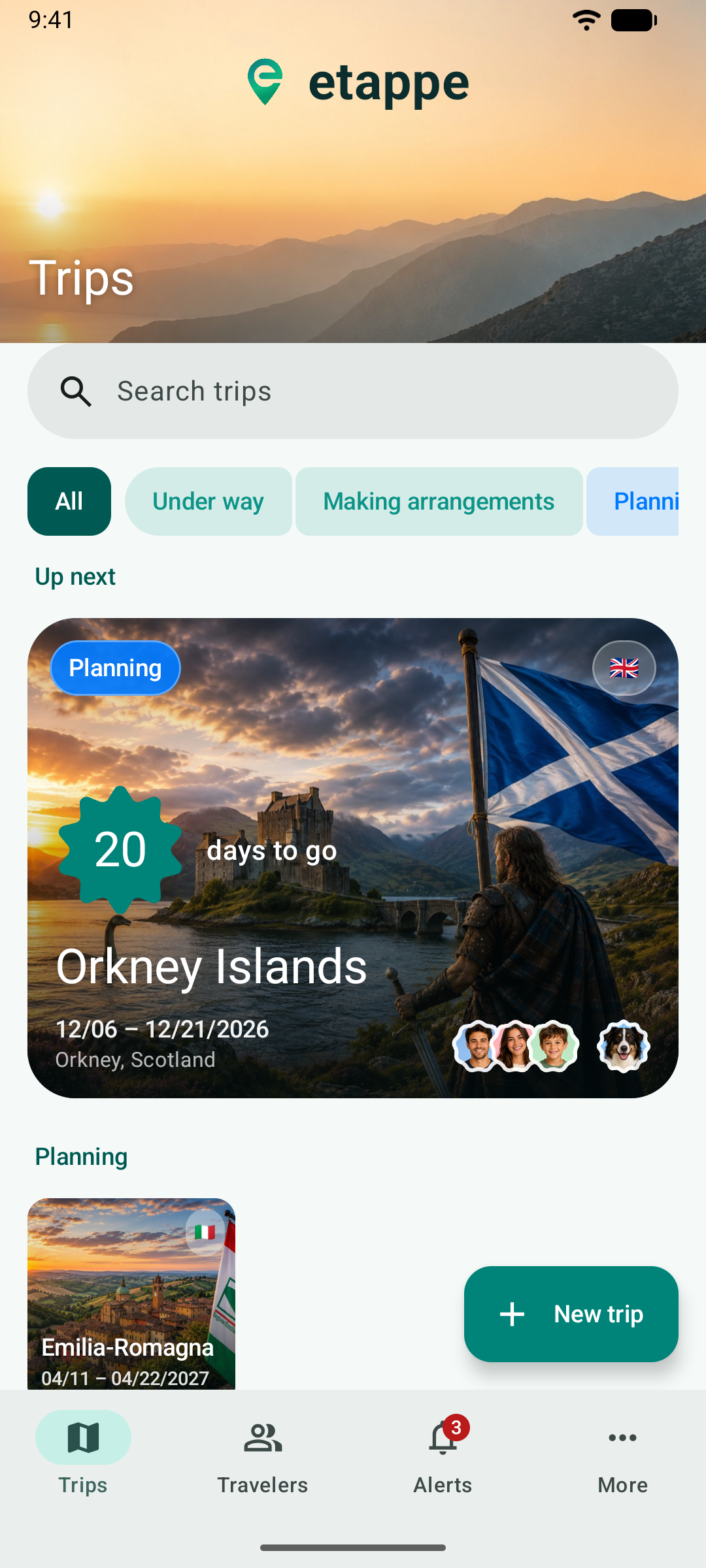
Etappe for Android is an app of its own for Android smartphones. It knows the same trips, accommodations, journeys, people, pets and vehicles as Etappe on iPhone and iPad and calculates budget, deworming windows and alerts the same way. But it works like an Android app: with a navigation bar, floating buttons and the back gesture. This manual only covers what is different on Android. What an accommodation, a sketch or an alert is, is explained in the manual for iPhone and iPad.
1.1 What is different from iPhone and iPad#
- Android-style controls. The navigation bar at the bottom, a button for adding in every list, a toolbar inside a trip – more in The interface and A trip.
- Maps from OpenStreetMap. Instead of Apple Maps, Etappe on Android shows maps from OpenFreeMap; places are found by your device’s location service (Maps and places).
- Purchase through Google Play. Trial and full version run through Google Play (Installing, trial and purchase).
- No sync between devices. Your data stays on the phone. Moving to a new device – including from the iPhone and back – works through the backup (Backup and switching devices).
- What is missing: Apple Watch, quick actions, the overview screen and a few more exist only on iPhone and iPad (Only on iPhone and iPad).
1.2 Requirements#
Etappe runs on Android smartphones with Android 8 or later. The app is available in German, English and French and follows the language of your device; from Android 13 on you can choose a language just for Etappe (Settings).
1.3 Your data#
Etappe has no server and no account. Everything you create stays on your phone. The app only goes online when you trigger it or look at a map: map tiles, place search, country data and curated trips from etappe.app, exchange rates from the European Central Bank. Which data goes where is listed in the app under More → Help → Legal.