 Etappe
2. Installing, trial and purchase#
2.1 Installing#
Etappe is available in the Google Play Store. You don’t need an Etappe account – only your Google account for Google Play.
2.2 The first launch#
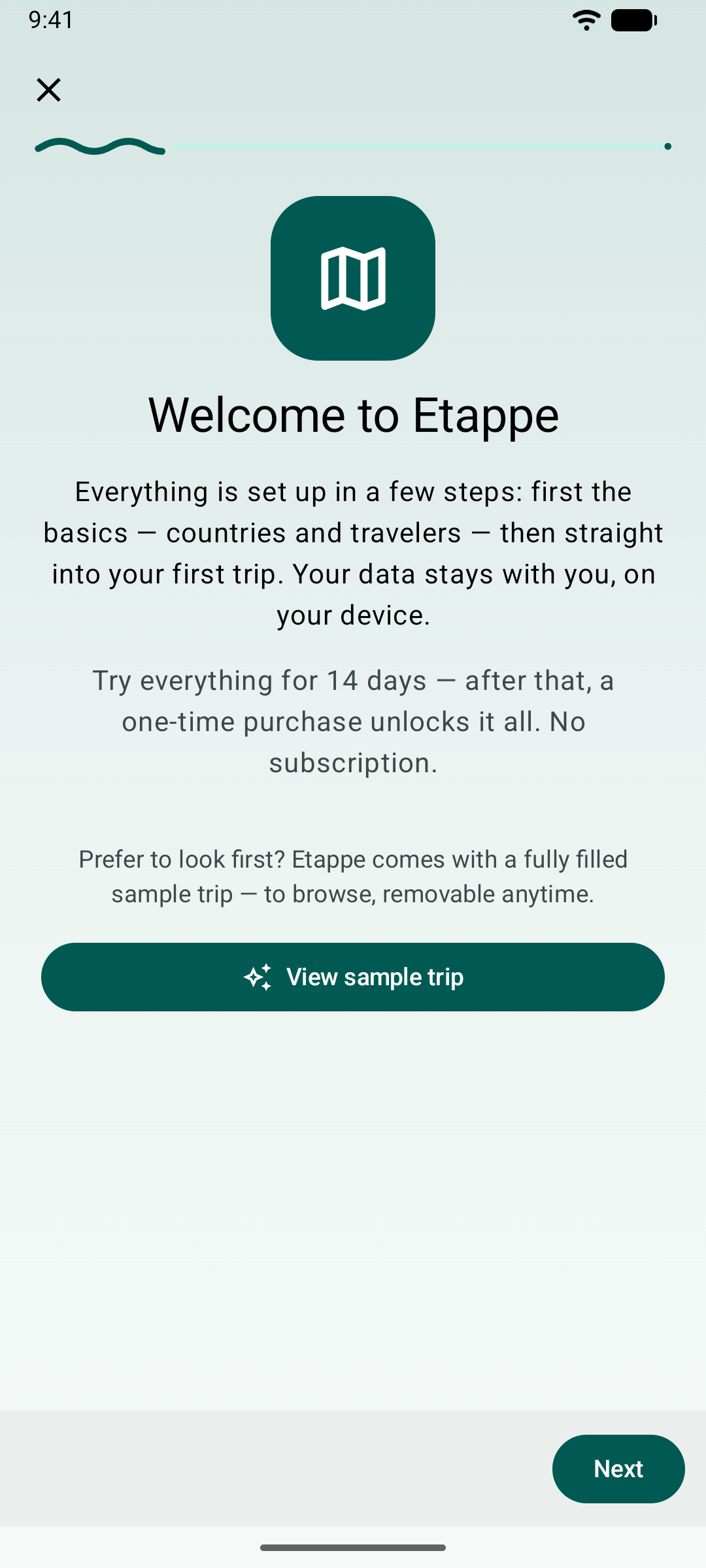
On first launch, an assistant welcomes you. In a few steps it sets up the basics – countries and travelers – and then takes you to your first trip. If you’d rather look around first, tap View sample trip: Etappe then creates a fully filled trip that you can remove at any time. More in the main manual under Installation and first launch.
You can bring the assistant back later under More → Help → Getting started.
2.3 Trial#
From the first launch, you can use Etappe with all features for 14 days. After that, viewing, sorting, archiving, deleting and the backup stay free; only adding and changing need the full version – just like on iPhone and iPad (Trial and full version).
Unlike the iPhone, Android does not remember the trial across a reinstall: if you delete the app and install it again, the trial starts over – with no data.
2.4 Full version#
The full version is a one-time purchase through Google Play, not a subscription. You buy it under More → Settings → Full version or wherever Etappe points you to it after the trial. You pay with the payment methods of your Google account; Etappe never sees payment details.
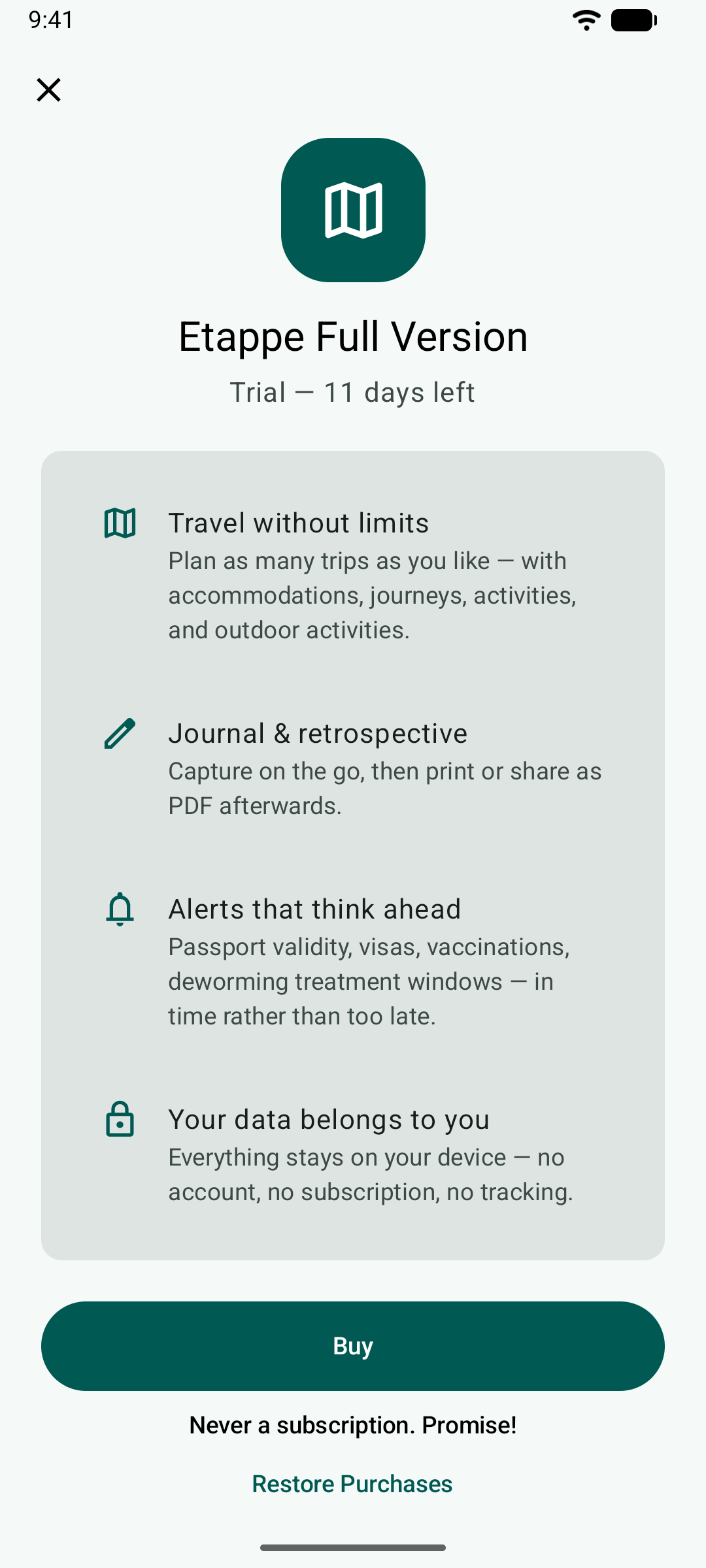
The purchase belongs to your Google account. On a new phone with the same account, tap Restore Purchases. A purchase on the iPhone does not count on Android and vice versa – the App Store and Google Play are separate stores.
If Google Play can’t be reached at the moment, Etappe tells you after a few seconds that the purchase isn’t possible right now. Try again later.