 Etappe
9. Settings#
The settings are under More → Settings. Most of them work as on iPhone and iPad – home country and home location, base currency and rates, time zones and military mode; the main manual describes them under All settings. This chapter covers what is different on Android.
9.1 Full version#
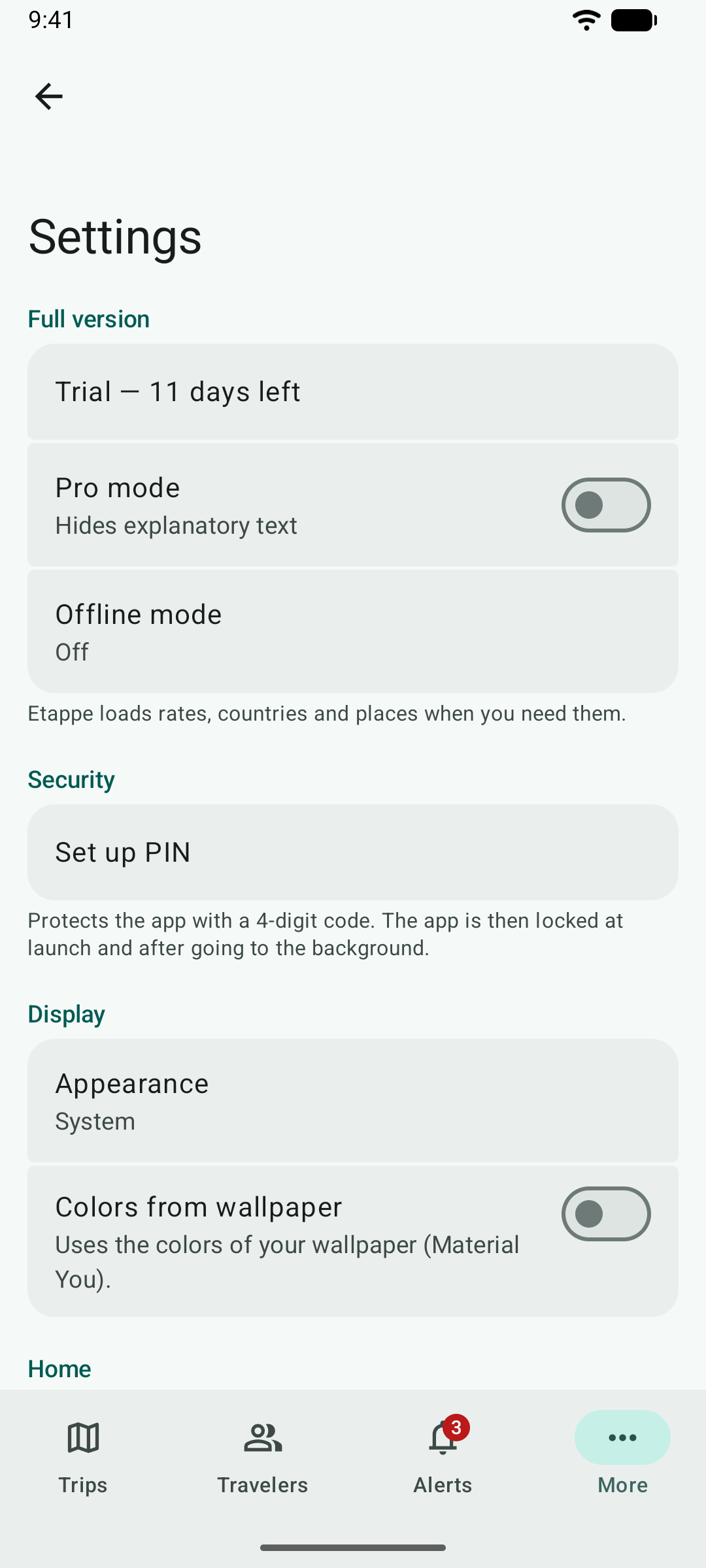
At the top are the trial or the full version – a tap opens the purchase – and below them Pro mode and Offline mode.
9.2 Offline mode#
| Level | What Etappe does |
|---|---|
| Off | Loads rates, countries and places when you need them |
| Save data | No requests to the internet – no rates, no countries, no place search; maps keep loading |
| Fully offline | In addition, maps only from the cache and no price request to Google Play |
While a level is on, the More tab shows an airplane – orange for “Save data”, red for “Fully offline”.
9.3 App lock#
Set up PIN protects Etappe with a four-digit code. The app locks at launch and when you leave it. You can also unlock with fingerprint or face if your phone supports it. The PIN is kept on the phone only as a check value; the key for it never leaves Android’s secure storage. More in the main manual under App lock.
9.4 Display and language#
Appearance follows the phone or is fixed to light or dark; Colors from wallpaper takes on the colors of your wallpaper. From Android 13 on, you set Etappe’s language in Android’s settings: Apps → Etappe → Language. Without your own choice, Etappe follows the phone’s language.
9.5 Help and About this app#
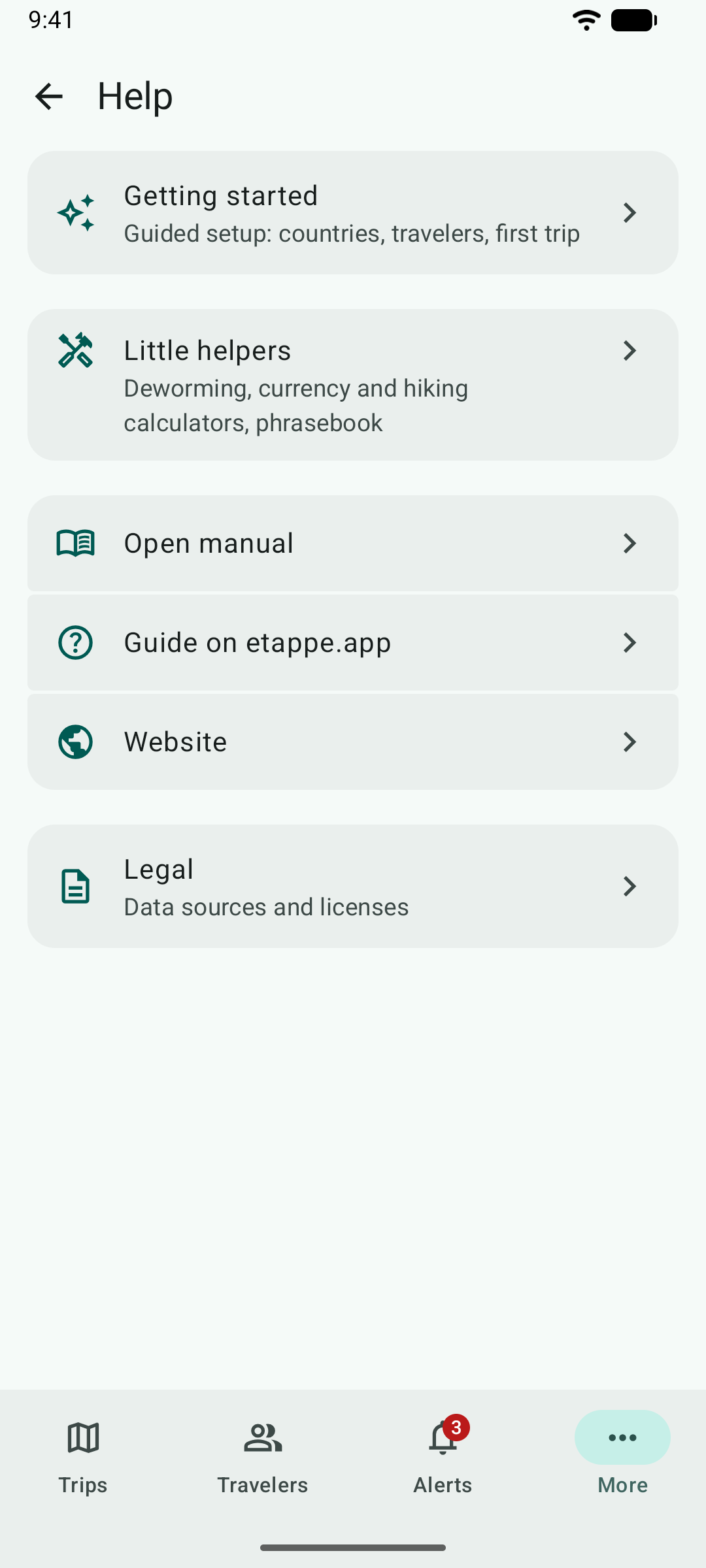
Under More → Help you find the getting-started setup, the little helpers, links to this manual and to the website, and Legal: which data goes where for maps, place search, countries, rates and purchase, and the licenses of the open-source libraries Etappe for Android is built on. More → About this app shows version and build, legal notice and privacy policy.